Vision for iPhone
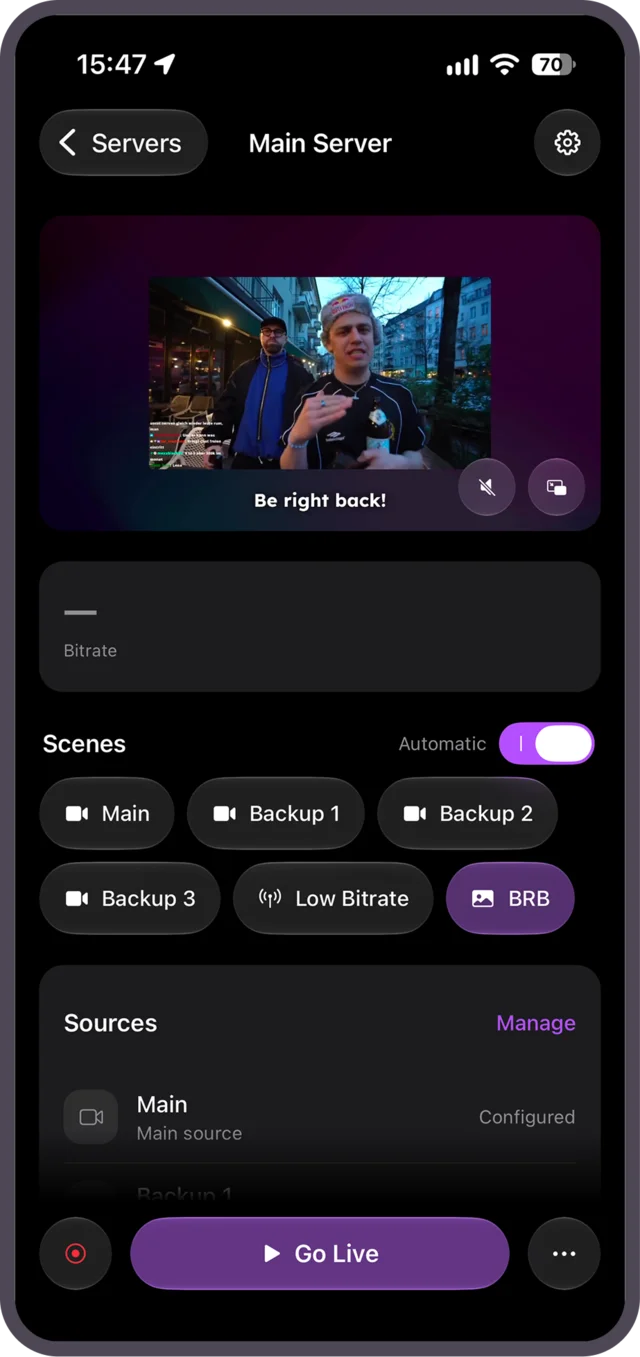
Your stream control room, in your pocket
Edit overlays, control scores and alerts and keep an eye on every event, whether you're at your desk or streaming IRL.
Free · iOS 15.1 or later · iPhone and Apple Watch
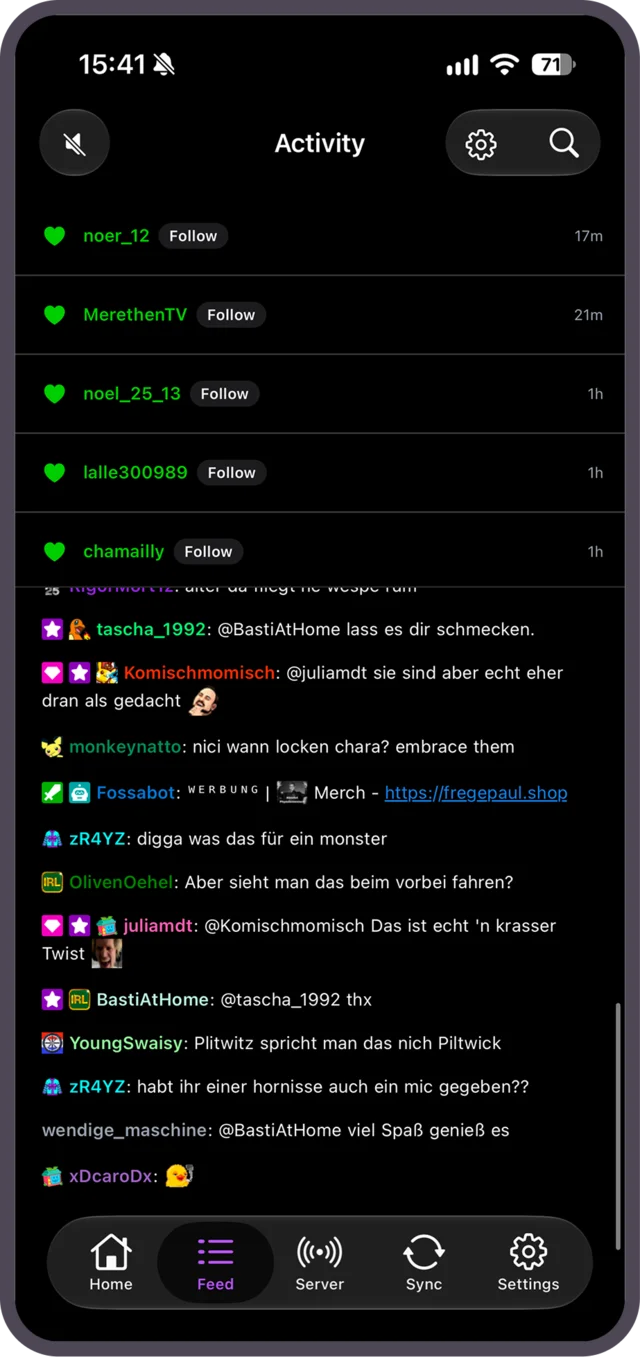
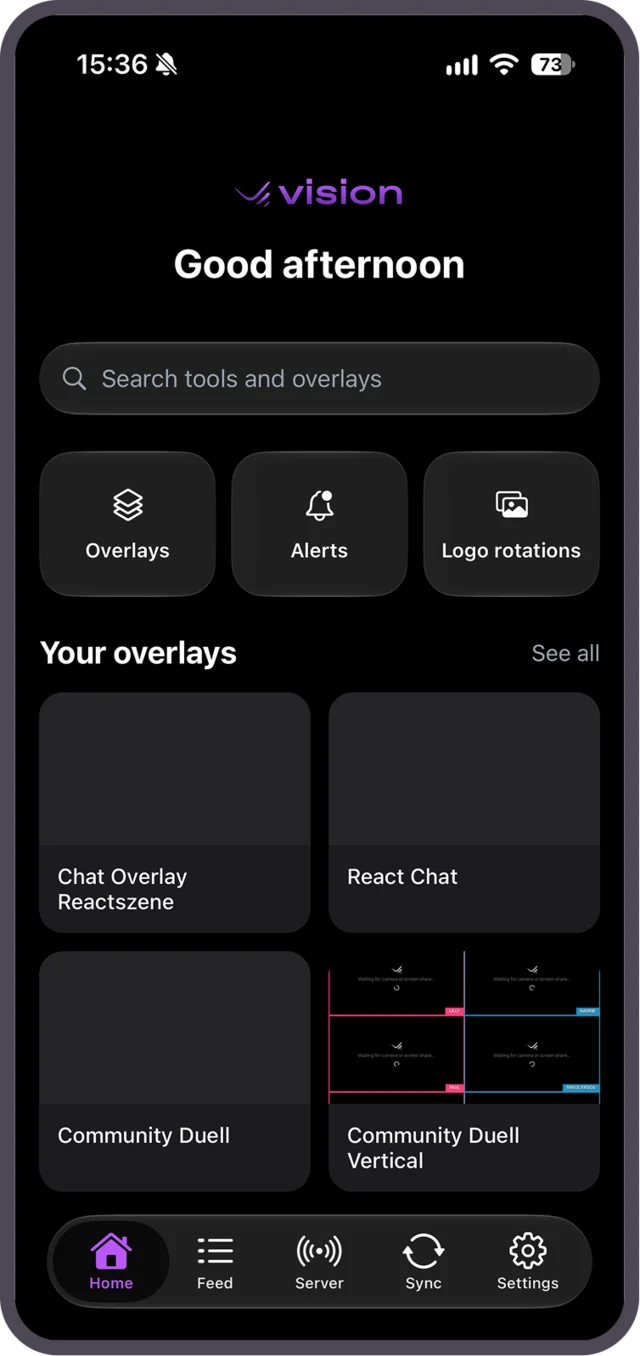
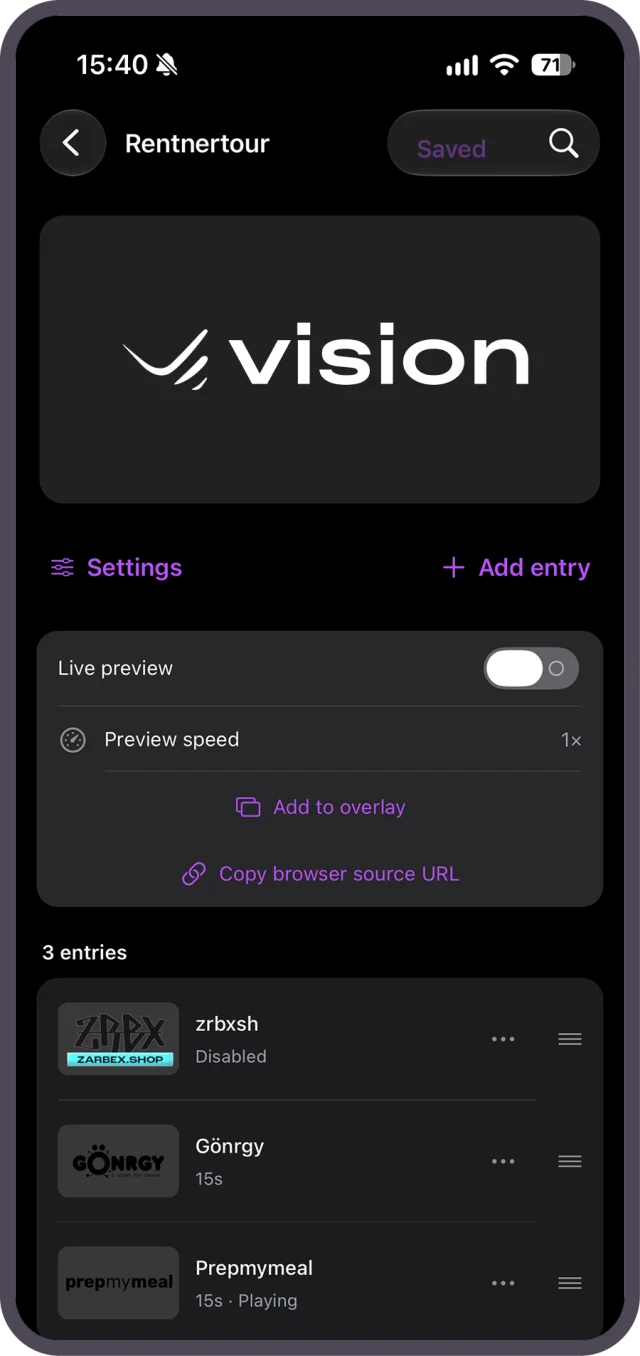
Overlays
Edit and control your overlays on the go
Open the full overlay editor on your iPhone, or use control panels with buttons, toggles, sliders and number wheels to change scores, text and visibility live.
- Create, rename, duplicate and sort overlays into folders
- Copy the browser source link for OBS
- Switch to channels you help run as a team member
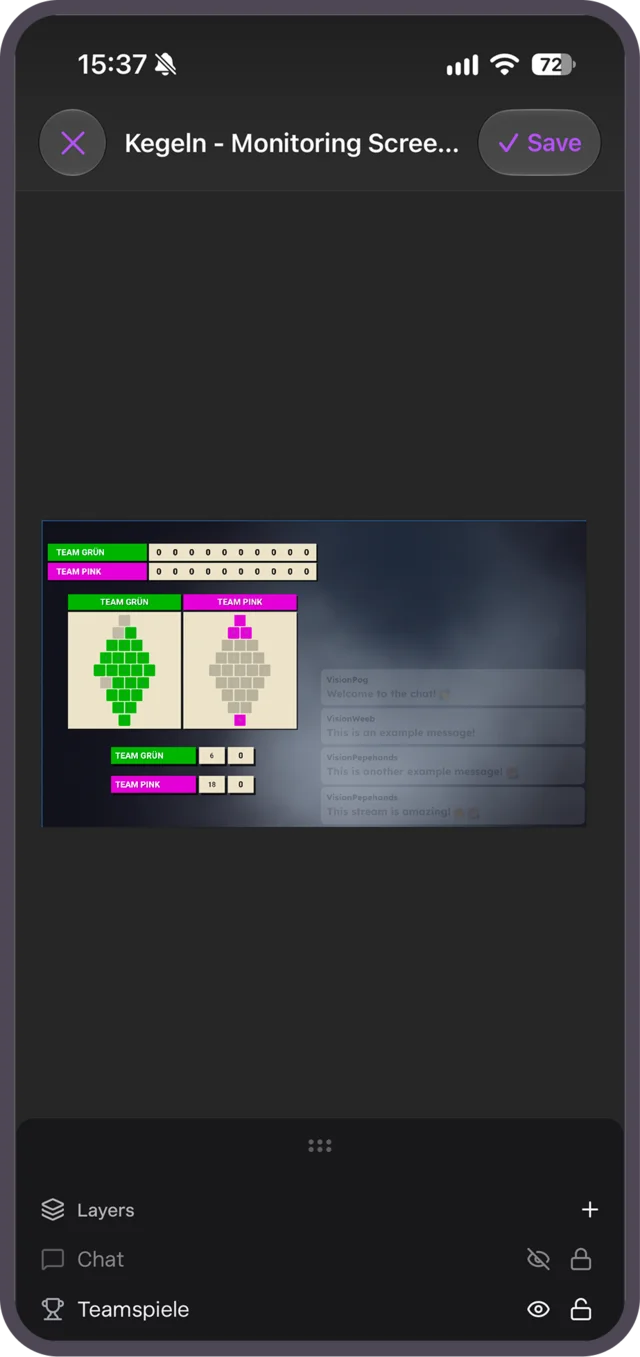
Activity feed
Every follow, sub and tip at a glance
Follow events and Twitch chat in one feed, replay alerts and approve or reject the ones waiting in your moderator queue.
- Emotes from 7TV, BTTV and FFZ
- Have events read aloud
- Pause or mute your alert queue
Logo rotations
Sponsor reports straight from your phone
Edit your rotations, preview them live and check impressions and insertions per logo. Send a CSV to your partners through the iOS share sheet.
- Reorder logos and add new media
- Daily chart for every logo
- Play, reset or reload the rotation
IRL
Put your location and heart rate on stream
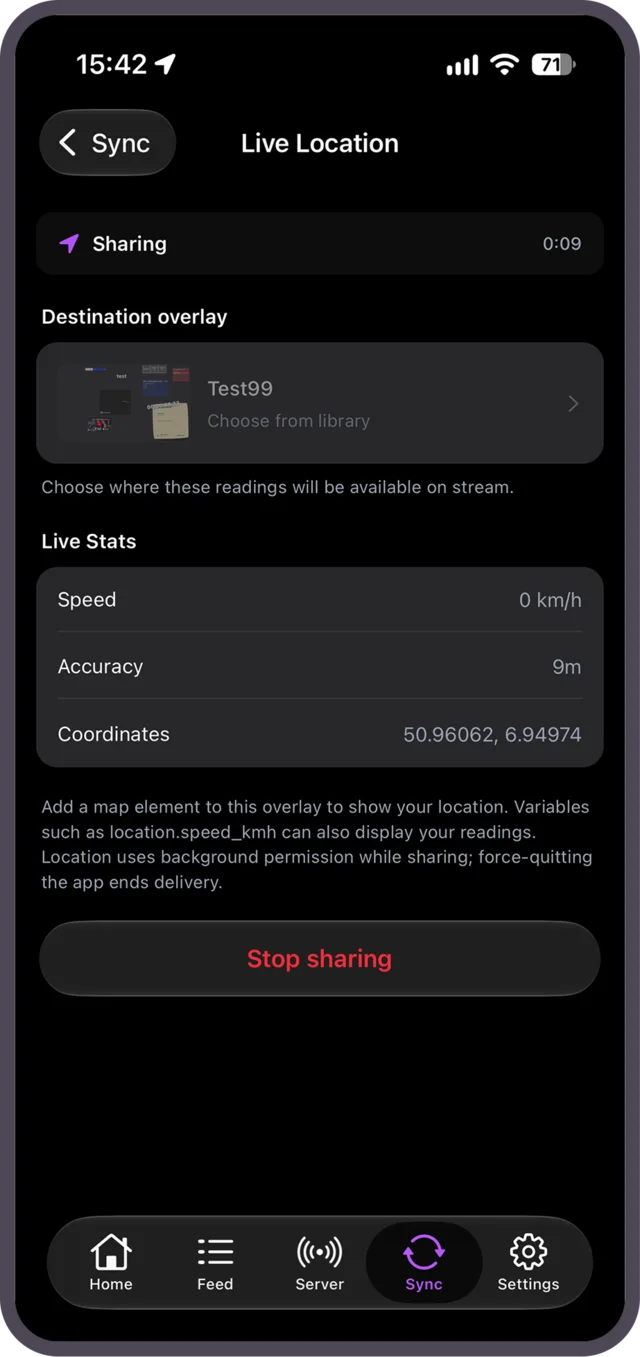
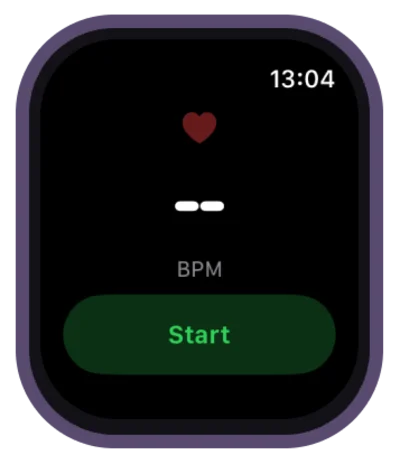
Share your live location with an overlay, including your speed, and show your heart rate from an Apple Watch, Apple Health or a Bluetooth chest strap.
- Keeps sharing in the background
- Live Activity on the Lock Screen and in the Dynamic Island
- Health stats like steps, calories and distance

Get Vision for iPhone
Sign in with Apple, Twitch, Google or email, or scan the QR code from Vision on your computer.
Questions about the app
Is the app free?
Yes. The app is free and has no in-app purchases. Your Vision plan from the web applies in the app.
Which devices are supported?
iPhones with iOS 15.1 or later. Live Activities need iOS 16.2, and the heart rate app for Apple Watch needs watchOS 10.
How do I sign in?
With Apple, Twitch, Google or email. You can also link the app by scanning the QR code in Vision's settings on your computer.
Can my team use the app?
Yes. Team members can switch to the channels they help run and work with the permissions they have there.
