Four updates at once
Today brings several updates: Vision now runs on iPhone, Subathons are here, and two big new features, Automations and Alerts, enter beta. At the end, there's a look at what's coming next.
Vision on the App Store
The Vision app is now available for free on the App Store. It runs on iPhones with iOS 15.1 or later and has no in-app purchases. Your plan from the web applies in the app too.
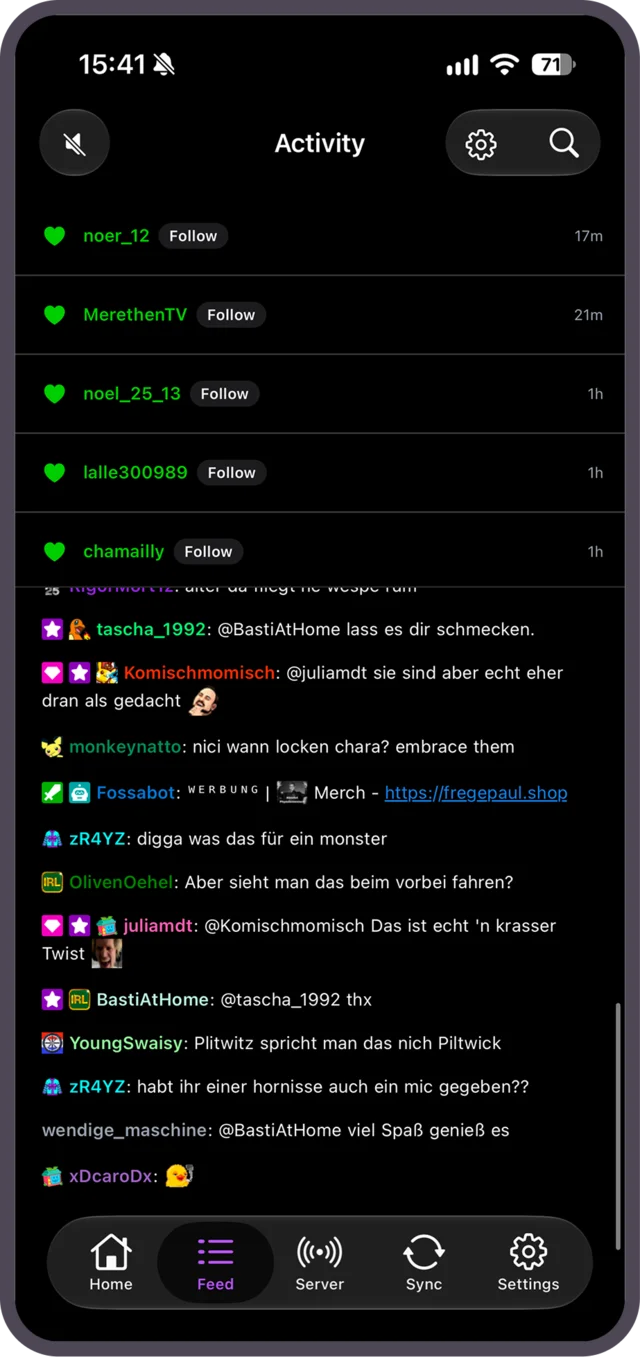
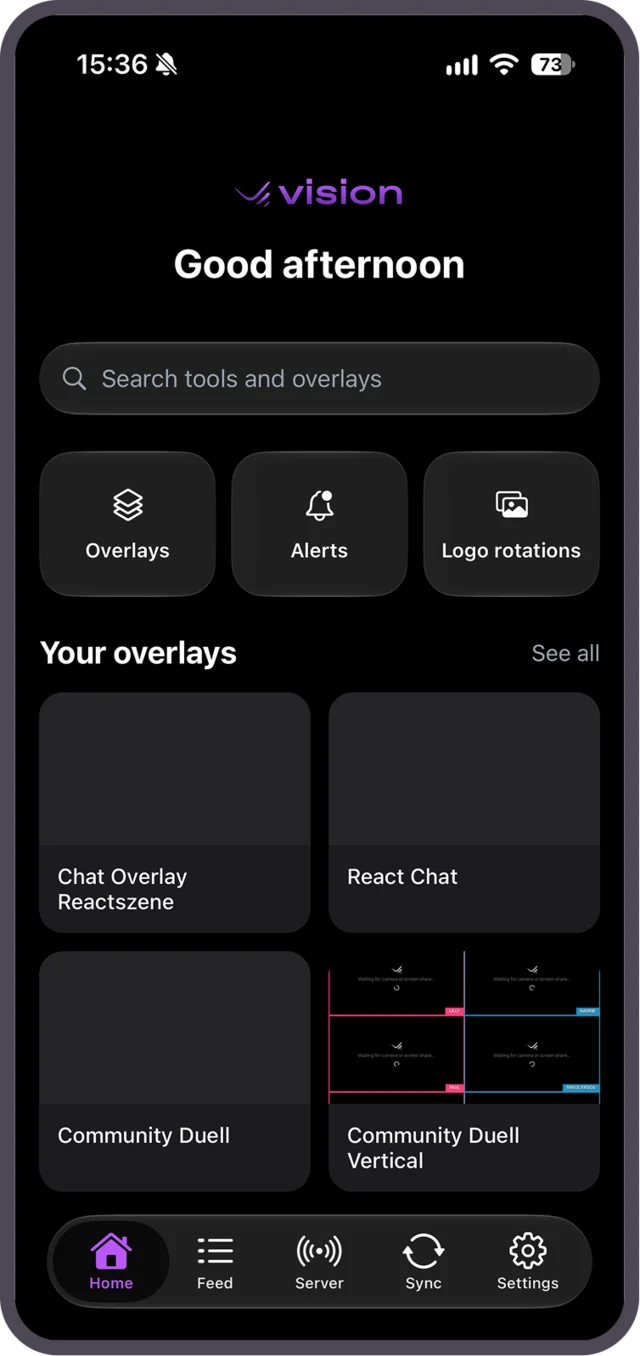
- Control overlays on the go: Open the overlay editor on your iPhone or use Control Panels to change scores, text and visibility live.
- Activity feed: Follows, subs, donations and Twitch chat in one feed. Replay alerts or approve them in the moderator queue.
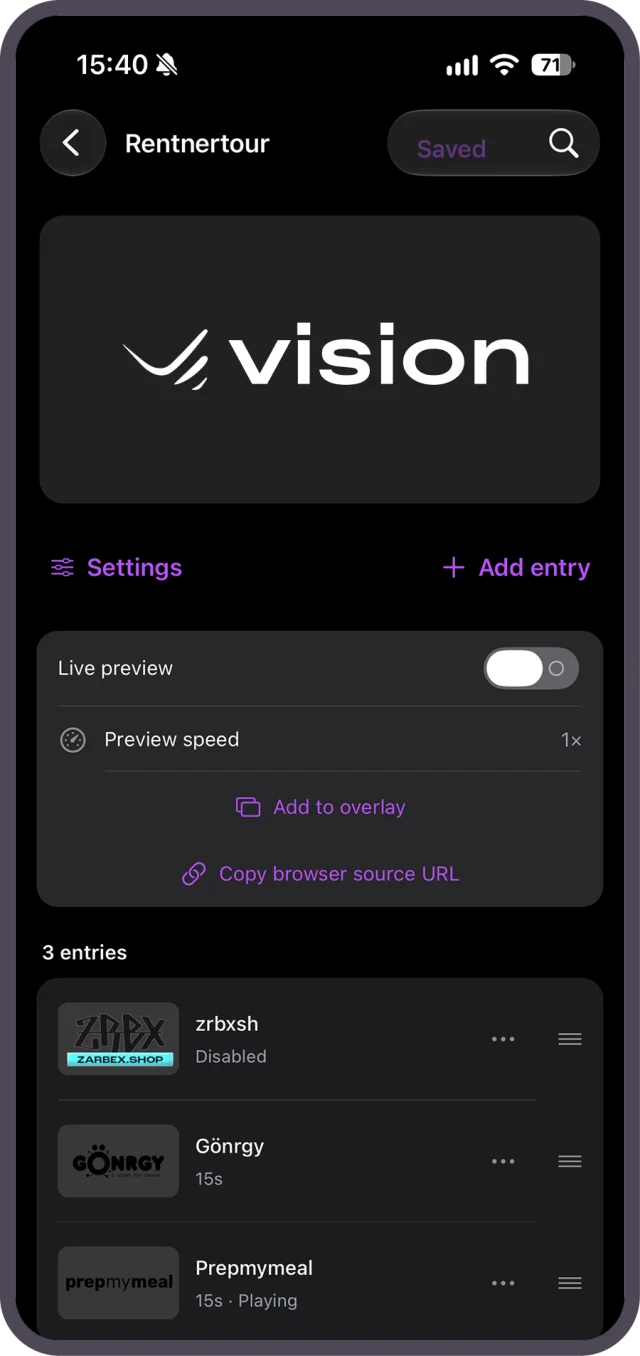
- Logo rotations: Edit rotations, watch the live preview and check impressions per logo.
- IRL: Share your live location with an overlay and show your heart rate from Apple Watch, Apple Health or a Bluetooth chest strap.
Sign in with Apple, Twitch, Google or email, or scan the QR code in Vision's settings on your computer. Team members can switch to the channels they manage right in the app. See the app page for all the details.
Subathons are here
The subathon timer runs itself: every sub, gift sub, bit and donation adds time automatically.
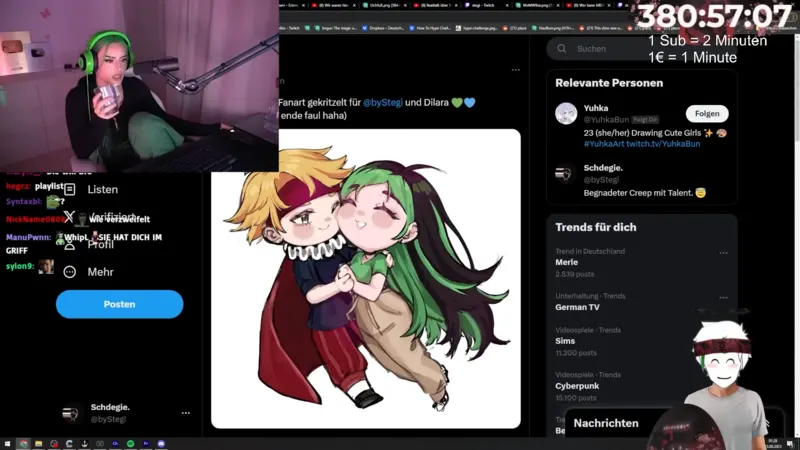
- Time rules: Decide how much time a sub, 100 bits or each unit of currency donated adds, and cap single contributions with a limit.
- Sources: Time comes from Twitch and Kick as well as StreamElements, Streamlabs, TipeeeStream, Ko-fi, betterplace and Shopify. Each event type counts from one source only, so nothing is added twice.
- Control: Pause without losing time, add or remove minutes with a click, and cap the subathon with a maximum duration or an end date. Mods get their own permissions, and every change is logged.
- Overlay: Add the Subathon layer to any Vision overlay, with five themes, milestones and live stats.
Learn more on the Subathons page and in the subathon timer guide.
Automations: now in beta
With Automations, Vision reacts to what happens on your stream, no code required. Connect triggers, conditions and actions in a visual editor.
- Triggers: Twitch alerts, chat commands and keywords on Twitch and Kick, channel points, polls, predictions, hype trains, schedules, webhooks or a Stream Deck button.
- Actions: Change layers, scores and timers, switch scenes, play sounds, send chat messages, create clips and markers, or control OBS scenes through your Vision browser source.
- Test first: Simulate a run, capture a real event as test data and publish only when everything works.
Find all the details on the Automations page.
Alerts: now in beta
Vision now has its own stream alerts for follows, subs, bits and donations.
lena_plays just followed!
- Timeline editor: Animate every layer with keyframes, or start in simple mode.
- Conditions: Decide which alert plays for which event, amount or message.
- Text-to-speech: Around 50 voices in 14 languages. Vision Pro adds AI voices.
- Live control: Pause, mute, skip, replay, or approve alerts through the moderator queue.
Coming from StreamElements? You can import your alert boxes directly. Your StreamElements setup stays unchanged. More on the Alerts page.
Coming next: Streaming Server and Replay Channels
Two more features are already in the works and running with a first group of streamers:
- Streaming Server: Your OBS in the cloud, built for IRL streams. Send your camera feed over RTMP, SRT or SRTLA to a server that runs OBS on a GPU. If your mobile connection drops, it switches to a backup source automatically, and you stream to Twitch, YouTube, Kick and more at the same time. You can also control it from the new iPhone app.
- Replay Channels: A second Twitch channel that replays your best streams around the clock. Import Twitch VODs and YouTube videos, plan the program, and when you go live on your main channel, the replay channel can raid you automatically.
Both are still in early access. If you want to be among the first, request access on the Streaming Server page or the Replay Channels page.
Send us your feedback
Automations and Alerts are still in beta. Try them on your streams and tell us what works and what's missing, so we can build them out where it matters.
